- Orderan dibawah 500.00 via Goshop / Offline / Marketplace
WiFi Keeps Disconnecting? Here Is How to Make It Stable Again
Facing a wireless internet connection that suddenly drops and reconnects repeatedly is definitely a huge annoyance when you are trying to work or enjoy online entertainment. The issue of a wifi keeps disconnecting status is one of the most frequent complaints for modern device users today. Unlike a network that is simply running slow, an unstable wifi connection is usually triggered by overlapping signal frequencies or a glitch in your device receiving system.
If the issue you are experiencing is actually a combination of a major speed drop along with a weak signal, you can read the comprehensive guide on how to fix slow wifi that we published earlier to handle the initial network setup. However, if your connection is constantly cutting out out of nowhere, let us dive into the root causes and practical solutions below.
Featured Snippet (Instant Answer):
To fix a WiFi connection that keeps disconnecting, switch your router’s frequency channel to a less crowded option (such as channel 1, 6, or 11), update or reinstall your laptop’s wireless network driver via Device Manager, and disconnect unused background devices to prevent router memory saturation and overheating.
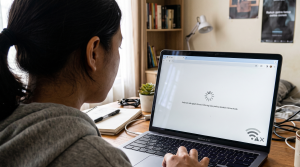
Checklist: Why Does Your WiFi Connection Keep Dropping Randomly?
Tick the boxes below if you are experiencing any of these common environment or hardware factors:
-
[ ] Your WiFi channel overlaps with multiple other wireless networks in your crowded residential area.
-
[ ] The router is overheating because it has been left running continuously without any cooling breaks.
-
[ ] Too many smartphones, laptops, and smart TVs are connected to the same network at once.
-
[ ] Your laptop’s wireless adapter driver is outdated or showing a yellow warning icon in Device Manager.
-
[ ] Your device is placed too far away from the router, causing the signal to struggle to maintain a stable link.
Our Recommendation: If this disconnecting issue happens across every single device in your house, the problem lies with your router or internet service provider. However, if your phone works fine while your laptop continuously loses signal in the exact same spot, your laptop’s internal wireless adapter may need attention.
Data Benchmark: Network Stability Across Channels & Router Conditions
| Setup & Router Condition | Signal Stability | Disconnection Risk | Real-World Impact on Devices |
|---|---|---|---|
| Uncrowded Channel & Cool | Very Stable & Consistent | Very Low | Smooth connection for heavy tasks and streaming |
| Crowded Channel (Clash) | Interrupted by Neighbor Signals | High & Random | Drops connection randomly despite full signal bars |
| Overheating Router | System Memory Overload | Very High | Router restarts itself automatically on a regular basis |
How to Fix a WiFi Connection That Keeps Disconnecting
Do not worry, you do not have to buy a brand new router right away. Try these simple troubleshooting steps first to bring stability back to your home internet connection:
-
Change the WiFi Channel on Your Router. By default, most routers will automatically select the same frequency channel as everyone else nearby. When there are too many wireless signals occupying the same airwaves, they clash and cause your connection to drop. Log into your router admin page and switch the channel setting to a less crowded option, such as channel 1, 6, or 11 on the 2.4 GHz frequency to avoid signal collisions.
-
Update the Network Driver on Your Laptop. Sometimes a recent operating system update can cause your network card software to become outdated or corrupted. Open the Device Manager on your computer, locate your wireless network adapter, and choose the option to update or reinstall the software. This step is highly effective as a way to fix a dropping wifi connection by clearing out internal system bugs.
-
Disconnect Extra Devices and Rest the Router. Every router has a physical limit on how many data streams it can process simultaneously. Go ahead and disconnect devices that are not actively in use, like smart TVs or backup mobile phones. Do not forget to turn off your router for about ten minutes during the night when no one is using it, allowing the internal components to cool down so it runs fresh the next day.
How to Tell a Network Issue Apart from Hardware Damage?
Before deciding to invest in major upgrades or repairs at a professional computer store, it is wise to determine whether this dropping issue is coming from the internet network itself or a physical defect in your laptop.
If your mobile phone connects smoothly while your laptop continuously loses the signal in the exact same spot, it is a strong indicator that your laptop’s internal wireless card is failing or its antenna wire has shifted due to a physical impact. Internal hardware wear requires direct physical inspection to prevent further motherboard communication issues.
FAQ (Frequently Asked Questions)
-
Why does my WiFi keep disconnecting even when the signal shows full bars?
This situation usually happens due to severe channel frequency interference from neighboring routers or an issue with your laptop wireless network software that prevents the operating system from maintaining a constant connection.
-
Can a failing router cause an internet connection to drop repeatedly?
Yes, because internal parts inside an old or constantly overheating router will degrade over time, causing the device to frequently restart itself automatically and drop connections randomly.
-
What is the ideal amount of time to let a router rest?
While routers are designed to run non stop, it is best to turn the device off for ten to fifteen minutes once a week to clear out temporary cache memory and prevent heat buildup.
Conclusion
Getting a direct checkup from an experienced technician will ensure your device receives a safe inspection and original replacement parts if needed. If the problem persists after trying all the software steps above, bringing your device to a trusted service center is the safest way to find the exact root cause without guessing.
Visit the Aipel Computer Physical Store
If your disconnecting issues turn out to be caused by a failing internal wireless card or loose internal antenna wiring, let our expert team inspect it immediately to get your machine back in top shape.
For step-by-step driving routes, opening hours, or to consult with our technician team, feel free to visit our main website at Aipel Computer in Surabaya for prompt and reliable service!
Tags: computer store surabaya, fix dropping wifi connection, how to fix slow wifi, laptop service surabaya, unstable wifi, wifi keeps disconnecting

WiFi Keeps Disconnecting? Here Is How to Make It Stable Again

Mencetak dokumen bisa dilakukan secara mudah dengan bantuan printer. Tak hanya dokumen saja, printer juga bisa dimanfaatkan untuk mencetak foto.... selengkapnya

Masalah WiFi tidak muncul di laptop bisa saja terjadi. Hal ini tentu akan sangat membingungkan para pengguna. Sebab, WiFi memang... selengkapnya
Cartridge tinta merupakan salah satu bagian dalam printer yang memiliki fungsi sebagai penampung atau tempat isi ulang tinta printer. Melalui... selengkapnya
Pernahkah kamu merasa kesal karena colokan charger laptop atau PC di rumah mudah terlepas sendiri, atau bahkan mengeluarkan percikan api... selengkapnya

Fungsi converter USB untuk komputer adalah menggantikan slot USB untuk menjadi slot LAN. Converter bisa dipakai untuk laptop dan komputer... selengkapnya

Working on an important document or playing a game when suddenly a stream of repeated letters appears across your screen... selengkapnya
Kabel VGA komputer memiliki peran yang cukup penting. Jika sering mengoperasikan komputer, tentu Anda tidak asing lagi dengan penggunaan kabel... selengkapnya

Ada berbagai cara untuk mengatasi keyboard laptop terkunci. Berikut ini akan kita bahas beberapa metode yang bisa Anda coba untuk... selengkapnya
Tips memilih processor di grosir komputer berikut ini jangan sampai Anda lewatkan agar bisa mendapatkan processor yang tepat. Processor merupakan... selengkapnya
Tang crimping seringkali dimanfaatkan dalam bidang elektronik. Namun, sebagian besar orang sering kali merasa bingung dengan istilah-istilah lain yang mengacu... selengkapnya
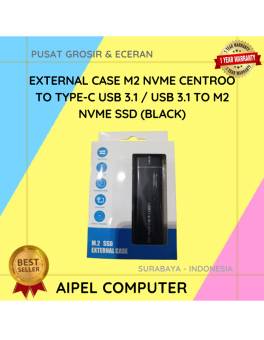
18%
A. DESKRIPSI (DESCRIPTION) External Case M2 & NVME CENTROO To Type-C USB 3.1 (Blue Packing) adalah pilihan sempurna untuk pengguna… selengkapnya
Rp 140.000 Rp 170.000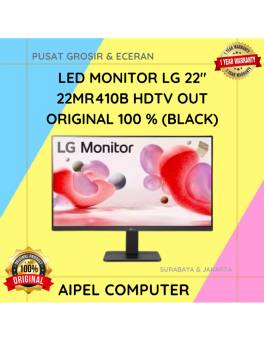
3%
A. DESKRIPSI (DESCRIPTION) LED Monitor LG 22″ HDTV + VGA Out (Black) adalah monitor modern yang menggabungkan visual tajam dan… selengkapnya
Rp 1.070.000 Rp 1.100.000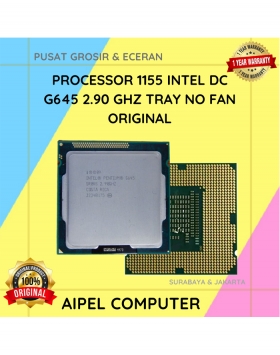
23%
A. DESKRIPSI (DESCRIPTION) Processor INTEL G645 2.90 GHz Tray No Fan Original adalah prosesor tangguh yang dirancang untuk mendukung kebutuhan… selengkapnya
Rp 47.500 Rp 62.000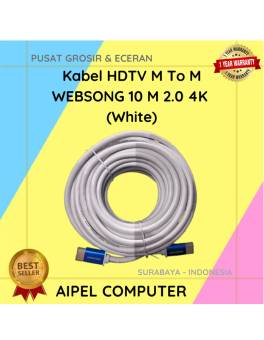
10%
AIPEL COMPUTER – Pusat Grosir dan Eceran – Belanja Hebat dan Hemat – Harga Murah Garansi Prima * GARANSI –… selengkapnya
Rp 158.000 Rp 175.000
18%
A. DESKRIPSI (DESCRIPTION) Kabel LAN Websong CAT 5 sepanjang 3 meter adalah pilihan tepat buat kamu yang butuh koneksi stabil… selengkapnya
Rp 12.250 Rp 15.000
46%
A. DESKRIPSI (DESCRIPTION) Mouse Pad CENTROO 22 x 18 CM adalah aksesori komputer yang dirancang untuk meningkatkan kenyamanan dan efisiensi… selengkapnya
Rp 2.700 Rp 5.000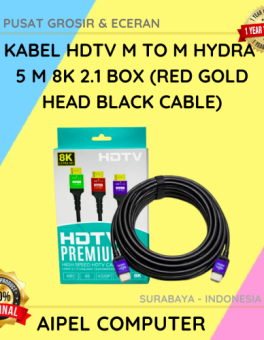
23%
AIPEL COMPUTER – Pusat Grosir dan Eceran – Belanja Hebat dan Hemat – Harga Murah Garansi Prima * GARANSI –… selengkapnya
Rp 40.000 Rp 52.000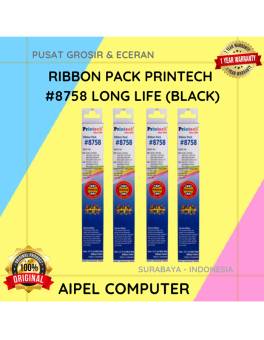
40%
A. DESKRIPSI (DESCRIPTION) Ribbon Pack PRINTECH #8758 LONG LIFE (Black) adalah tinta pita printer berkualitas tinggi yang dibuat khusus untuk… selengkapnya
Rp 9.000 Rp 15.000
21%
A. DESKRIPSI (DESCRIPTION) Kabel Power Printer CENTROO 1.5 M (Black) adalah solusi ideal untuk kebutuhan daya printer Anda. Dengan panjang… selengkapnya
Rp 5.500 Rp 7.000
23%
A. DESKRIPSI (DESCRIPTION) Adaptor Laptop ACER 19V 3.42A DC (3.0 X 1.1) dirancang khusus untuk memenuhi kebutuhan daya laptop ACER… selengkapnya
Rp 50.000 Rp 65.000



Saat ini belum tersedia komentar.