- Orderan dibawah 500.00 via Goshop / Offline / Marketplace
Laptop Headset Working on One Side Only? Causes and Fixes
Have you ever been deeply immersed in listening to music or watching films using your favorite earphones, only to discover that audio is emitting solely from the left ear bud while the right side goes completely silent?
Troubleshooting wired earphones or headsets playing sound out of one side exclusively when plugged into a laptop represents one of the most annoying audio hurdles. This malfunction is frequently blamed on permanent laptop structural failures; however, in 80% of cases, the root culprit stems from 3.5mm jack cables experiencing internal wire breaks, debris accumulation inside audio jack ports, or plugs failing to insert fully down into socket bases.
Furthermore, much like troubleshooting audio distortion in laptop speakers crackling no sound causes fixes, systematic inspections from physical gear up to Windows audio configurations are essential to restoring balanced stereo listening. Additionally, electrical stability can be maintained by reviewing insights from laptop giving shocks while charging causes fixes.
Featured Snippet (Quick Answer):
Primary causes of a laptop headset working on one side only include severed copper wire strands inside protective casing (typically near jack bases or splitters), 3.5mm plugs failing to insert completely, or trapped debris inside laptop audio ports.
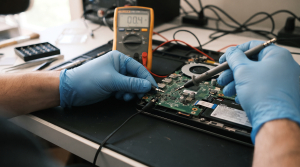
Checklist: Evaluating Headset One-Sided Sound Severity
Check the boxes below if these single-sided headphone symptoms match your current situation:
-
[ ] Right-side audio springs back to life whenever cables near the jack base are wiggled or bent gently.
-
[ ] Utilizing alternative earphones allows sound across both sides (left and right) to play normally.
-
[ ] 3.5mm jack plugs lack a firm ‘click’ sensation or feel slightly loose when inserted into laptop sockets.
-
[ ] One earphone side was previously stepped on or wound too tightly inside carry bags.
Practical Recommendation: Avoid tearing down your laptop’s audio settings immediately! Test your earphones first by plugging them into a smartphone or alternative laptop to verify whether malfunctions originate strictly inside the earphone cable itself.
Comparison Table: One-Sided Headset Failure Types & Actions
| One-Sided Headset Symptom | Underlying Cause | Damage Risk | Recommended Action |
|---|---|---|---|
| Audio Cuts In/Out When Wiggling Cable | Internal copper wire strands severed (internal break) | Right audio channel signal path severed | Re-solder wiring or replace with new earphones |
| Complete One-Sided Loss Without Movement | 3.5mm jack unseated from socket bases | Ground or audio contact pins failing to touch | Push plug firmly until a tight ‘click’ sounds |
| Both Sides Normal on Phone, One-Sided on Laptop | CTIA vs OMTP connector pin standard mismatch | Ground and microphone signal path variances | Utilize specialized audio converter adapters |
| Faint One-Sided Audio Due to Debris | Accumulated dirt obstructing laptop port interiors | Physical obstructions blocking contact pins | Clean interior port housing of audio jacks |
4 Ways to Fix One-Sided Earphone / Headset Audio
-
Test and Gently Wiggle Cables Near 3.5mm Jacks.
Plug earphones into your laptop, play audio, and bend or wiggle cables gently near iron plug bases (jacks) alongside cable splitter junctions. If right-side audio flickers on and off when wiggled, copper strands inside that cable are definitely broken. Additionally, if you face related audio output failures, review proper troubleshooting procedures in laptop sound not working how to fix.
-
Check Audio Channel Balance Settings in Windows Sound.
Press Windows + R, type
mmsys.cpland press Enter. Select the Playback tab, right-click Headphones and choose Properties. Open the Levels tab, then click the Balance button. Ensure decibel values for L (Left) and R (Right) channels match identically (e.g., both set to 100). -
Ensure 3.5mm Plugs Insert Completely.
Certain laptop protective cases or earphone housings feature overly thick molded plastics around plug bases, preventing jacks from inserting fully into laptop port sockets. Remove your laptop’s protective casing when plugging in wired earphones.
-
Clean Debris Inside Laptop Audio Port Sockets.
Pocket lint or fine dust accumulating at the base of laptop audio jack sockets frequently acts as physical obstructions preventing right-channel contact springs from touching earphone brass rings.
When to Seek Professional Repair Services
If you have tested multiple alternative earphones and every single pair produces dead one-sided sound, problems have migrated into physical audio jack port components inside the laptop chassis.
This condition requires repairing cracked audio socket solder traces on the motherboard or replacing audio port modules executed by experienced technicians at trusted service centers.
FAQ (Pertanyaan yang Sering Diajukan)
Why do brand-new earphones immediately go dead on one side when used with laptops?
This is typically caused by microphone pin layout standard mismatches (CTIA vs OMTP), or because users yanked earphone cables roughly instead of holding rigid metal plug heads when unplugging, instantly snapping delicate internal strands.
Shop OEM Audio Parts & Repairs at Aipel Computer
Discover original audio module spare parts, motherboard audio jack socket repairs, and professional warranted laptop servicing in Surabaya directly through Aipel Computer.
Tags: fix one side wired headphones windows 11 laptop, laptop audio port repair surabaya, laptop headset working on one side only causes fixes, laptop repair surabaya, replace audio jack aipel komputer

Laptop Headset Working on One Side Only? Causes and Fixes

Sebelum memilih untuk menggunakan atau membeli keyboard nirkabel atau wireless, pengguna wajib tahu apa saja kelebihan Keyboard wireless itu sendiri.... selengkapnya
Saat kamu mencolokkan headset atau earphone ke laptop di ruang publik atau kantor, terkadang suara tetap keluar dari speaker internal.... selengkapnya

Komputer tidak bisa shutdown adalah masalah umum yang sering dihadapi oleh pengguna. Ketika komputer tidak merespon perintah shutdown, ini dapat... selengkapnya

Dewasa ini, membeli perangkat, komponen, maupun hardware komputer sudah semakin mudah. Kamu hanya perlu datang ke toko komputer kemudian melakukan... selengkapnya
Sedang asyik bekerja, menghadiri rapat daring, atau menonton video di laptop, tiba tiba koneksi internet terputus sendiri. Indikator sinyal WiFi... selengkapnya
Kehabisan daya baterai di tengah-tengah pekerjaan tentu sangat menjengkelkan, terutama saat kamu sedang tidak membawa charger. Banyak orang langsung berasumsi... selengkapnya

Fungsi converter USB untuk komputer adalah menggantikan slot USB untuk menjadi slot LAN. Converter bisa dipakai untuk laptop dan komputer... selengkapnya
Seiring dengan berkembangnya teknologi, manusia semakin mudah dalam memenuhi berbagai macam kebutuhan nya. Mulai dari kebutuhan sehari-hari hingga barang mewah.... selengkapnya
Tidak perlu panik saat mengalami mouse komputer bergerak sendiri, karena kini ada sederet cara mudah untuk mengatasinya tanpa bantuan profesional.... selengkapnya

Mencari toko komputer terdekat di sini mungkin bisa menjadi pilihan Anda yang paling mudah untuk mencari toko komputer. Karena jika... selengkapnya
16%
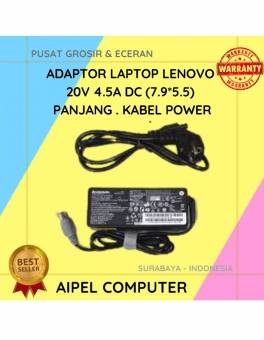
A. DESKRIPSI (DESCRIPTION) Adaptor Laptop LENOVO 20V 4.5A DC (7.9*5.5) Panjang Kabel Power adalah pilihan ideal untuk Anda yang menginginkan… selengkapnya
Rp 80.000 Rp 95.000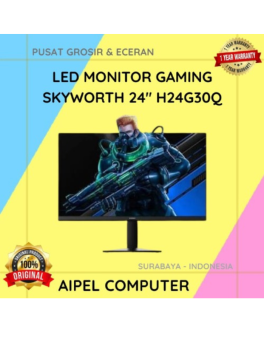
4%
A. DESKRIPSI (DESCRIPTION) LED Monitor Gaming SKYWORTH 24” H24G30Q merupakan monitor yang dirancang untuk mendukung kebutuhan gaming maupun aktivitas komputer… selengkapnya
Rp 2.020.000 Rp 2.100.000
13%
A. DESKRIPSI (DESCRIPTION) Kabel Audio 3.5 M To RCA-2 M CENTROO 3 M adalah solusi praktis untuk menghubungkan berbagai perangkat… selengkapnya
Rp 13.000 Rp 15.000
27%
A. DESKRIPSI (DESCRIPTION) Headset CENTROO C760 adalah pilihan sempurna untuk Anda yang menginginkan kenyamanan dan kualitas suara terbaik dalam satu… selengkapnya
Rp 55.000 Rp 75.000
53%
AIPEL COMPUTER – Pusat Grosir dan Eceran – Belanja Hebat dan Hemat – Harga Murah Garansi Prima * GARANSI –… selengkapnya
Rp 1.070.000 Rp 2.300.000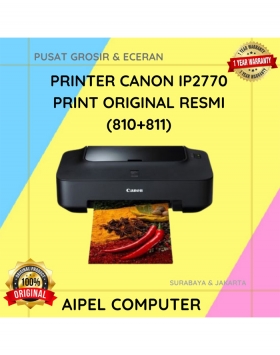
9%
SPESIFIKASI Pencetakan inkjet warna Media: A4, Letter dan lebih Mencetak foto tanpa batas tepi 4 x 6″ dalam 55 detik…. selengkapnya
Rp 910.000 Rp 1.005.000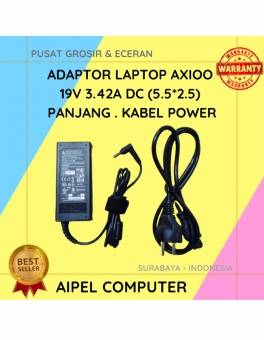
19%
A. DESKRIPSI (DESCRIPTION) Temukan kenyamanan dan kehandalan dengan Adaptor Laptop AXIOO 19V 3.42A DC (5.52.5). Alat ini dirancang khusus untuk… selengkapnya
Rp 65.000 Rp 80.000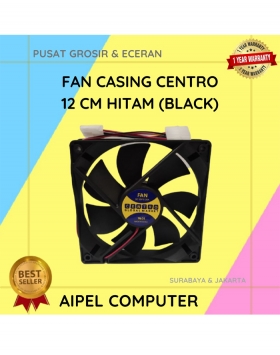
16%
A. DESKRIPSI (DESCRIPTION) Fan Casing CENTROO 12 CM Hitam adalah kipas pendingin casing yang didesain untuk memberikan sirkulasi udara optimal… selengkapnya
Rp 16.000 Rp 19.000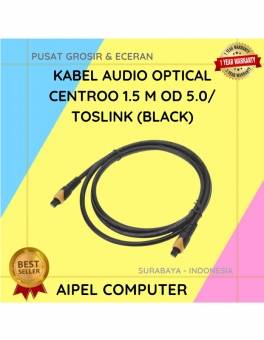
40%
A. DESKRIPSI (DESCRIPTION) Kabel Audio Optical CENTROO adalah kabel digital berkualitas tinggi yang dirancang untuk mengalirkan suara jernih dari perangkat… selengkapnya
Rp 30.000 Rp 50.000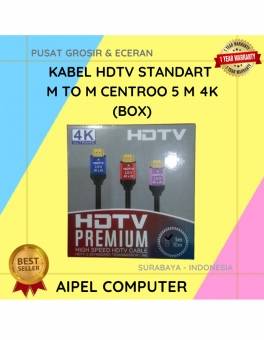
26%
A. DESKRIPSI (DESCRIPTION) Kabel HDTV Standart M To M CENTROO 5 M 4K adalah pilihan tepat bagi Anda yang menginginkan… selengkapnya
Rp 40.000 Rp 54.000



Saat ini belum tersedia komentar.