- Orderan dibawah 500.00 via Goshop / Offline / Marketplace
MicroSD Card Not Showing Up on Phone or Laptop? Causes and Fixes
Trying to save photos, transfer important documents, or open files on your smartphone or laptop, only to find that your microSD card is suddenly not detected? Or perhaps you’re greeted by frustrating error messages like “SD Card Corrupted” or “Please Format the Disk”?
An undetected microSD card is a common tech issue that often triggers panic over permanent data loss. Many assume their memory card is completely dead due to file corruption. However, in most cases, an undetected microSD is simply caused by dirty gold contact pins (covered in dust or oil), temporary file system glitches, or a faulty card reader. Just as when troubleshooting a slow laptop or performance issues, there are several quick DIY fixes you can try first.
Featured Snippet (Quick Answer):
The fastest way to fix an undetected microSD card is by cleaning its copper/gold contact pins with a pencil eraser, repairing the file system via Command Prompt (
chkdsk), or disabling Write Protection using Diskpart in Windows.
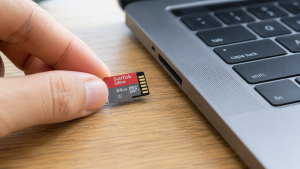
Checklist: Why Is Your MicroSD Card Not Detected?
Check the boxes below if any of these symptoms match your memory card’s current condition:
-
[ ] The microSD card is not detected on your smartphone, but works when plugged into a laptop via a card reader.
-
[ ] The memory card appears in File Explorer, but its capacity shows as 0 Bytes or RAW status.
-
[ ] A “Write Protected” error pops up whenever you try to add, edit, or delete files.
-
[ ] Files inside the card can be viewed, but cannot be copied, moved, or opened.
-
[ ] The plastic body of the microSD card feels excessively hot when inserted into a device slot.
Practical Recommendation: If the microSD card fails to show up on both your smartphone and laptop across different card readers, the internal flash memory chip may have suffered physical hardware failure.
Benchmark Data: Comparing Causes of Undetected MicroSD Cards
To help map out the root cause of your memory card issue, here is a quick comparison based on system symptoms:
4 Ways to Fix an Undetected MicroSD CardTry these step-by-step DIY recovery methods before deciding to purchase a new memory card:
When Should You Replace Your MicroSD Card?If all recovery attempts fail and the microSD card remains completely dead, physical hardware failure in the flash memory component is likely present, such as:
FAQ (Frequently Asked Questions)Can data be recovered from a formatted microSD card?Yes, provided you used the Quick Format method and haven’t overwritten the card with new data yet. You can use reliable data recovery software on your laptop to retrieve lost files. Why doesn’t a 64GB / 128GB microSD card work on older phones?Older smartphones generally only support the FAT32 format (MicroSDHC up to 32GB). Cards with 64GB or higher capacities use the MicroSDXC standard formatted as exFAT, which requires devices running newer operating systems. What is the average lifespan of an original microSD card?High-quality original microSD cards (such as SanDisk Ultra) typically offer an active daily lifespan of 3 to 5 years and come protected by manufacturer warranties. ConclusionMost cases of undetected microSD cards stem from dirty gold contact pins, write-protection locks, or temporary file system glitches. By cleaning the memory connectors or running the Shop Original SanDisk MicroSD Cards & Accessories at Aipel ComputerLooking for genuine SanDisk Ultra MicroSD cards (available in 32GB, 64GB, up to 128GB capacities) with official warranty, card readers, Type-C earphones, or other digital storage essentials? Explore our full range of computer accessories and storage products at wholesale prices directly in our store. To check our hardware catalog, spare part stock availability, or store location details, visit the official Aipel Computer website today! |
Tags: fix corrupted sd card, how to fix microsd card not showing up, remove microsd write protection, sandisk ultra microsd surabaya

MicroSD Card Not Showing Up on Phone or Laptop? Causes and Fixes
Pernahkah kamu mencolokkan kabel pengisi daya (charger) ke laptop, melihat lampu indikator pengisian menyala, tetapi ikon baterai di sudut kanan... selengkapnya
Pernahkah kamu sedang fokus bekerja atau menonton video, lalu layar laptop milikmu mendadak berkedip-kedip cepat (flickering), muncul garis-garis horizontal halus... selengkapnya

Spesifikasi switch mungkin masih banyak yang belum mengetahui. Pada dunia informatika, komponen dan jaringan adalah sesuatu yang tidak bisa terlepas... selengkapnya
Pernahkah kamu sedang asyik bekerja, mengerjakan tugas, atau bermain game, tiba-tiba sistem terhenti dan layar berubah menjadi biru dengan emotikon... selengkapnya
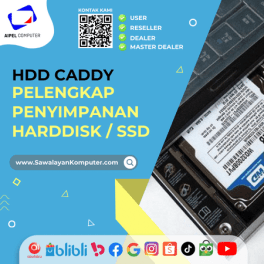
HDD Caddy menjadi salah satu kebutuhan dalam perangkat laptop. HDD dalam laptop atau komputer memiliki fungsi penting bagi para pengguna.... selengkapnya
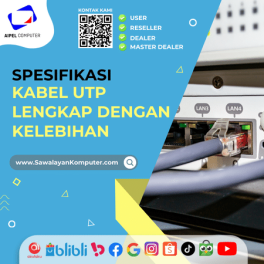
Spesifikasi kabel UTP hadir dengan berbagai keunggulan. Kabel ini memiliki pelindung pelapis pada bagian internalnya. Fungsi dari kabel UTP itu... selengkapnya
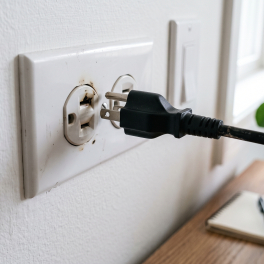
Pernahkah kamu mencolokkan charger laptop ke stopkontak dinding, lalu tiba-tiba terdengar suara mendesis halus seperti minyak goreng panas disertai letupan... selengkapnya
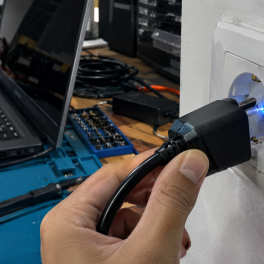
Have you ever startled yourself while plugging your laptop charger into a wall socket when a small blue spark (electrical... selengkapnya

Touchpad laptop adalah perangkat penting yang memungkinkan pengguna mengendalikan kursor dengan sentuhan. Namun, masalah sering muncul ketika touchpad tidak berfungsi... selengkapnya

Printer thermal atau printer mini sekarang bukan merupakan barang yang asing bagi banyak orang, dengan alat ini, anda bisa mencetak... selengkapnya
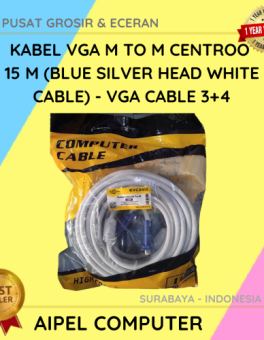
13%
AIPEL COMPUTER – Pusat Grosir dan Eceran – Belanja Hebat dan Hemat – Harga Murah Garansi Prima * GARANSI –… selengkapnya
Rp 70.000 Rp 80.000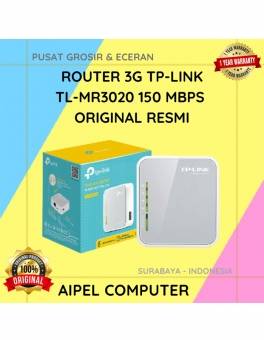
12%
A. DESKRIPSI (DESCRIPTION) Router 4G TP-LINK TL-MR3020 150 MBPS (White Grey) adalah perangkat jaringan serbaguna yang memungkinkan Anda terhubung ke… selengkapnya
Rp 265.000 Rp 300.000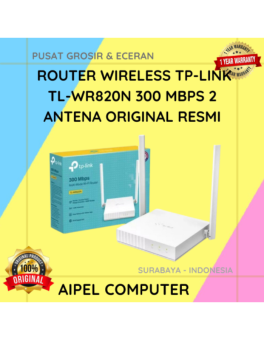
15%
AIPEL COMPUTER – Pusat Grosir dan Eceran – Belanja Hebat dan Hemat – Harga Murah Garansi Prima * GARANSI –… selengkapnya
Rp 170.000 Rp 200.000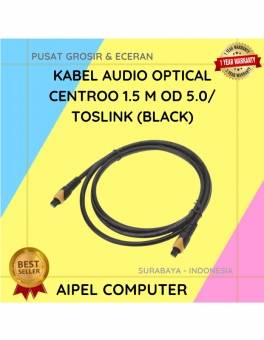
40%
A. DESKRIPSI (DESCRIPTION) Kabel Audio Optical CENTROO adalah kabel digital berkualitas tinggi yang dirancang untuk mengalirkan suara jernih dari perangkat… selengkapnya
Rp 30.000 Rp 50.000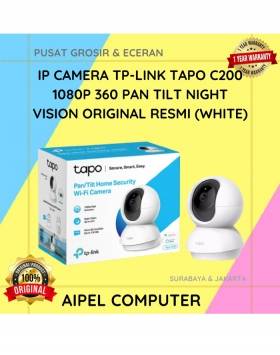
10%
A. DESKRIPSI (DESCRIPTION) TP-LINK TAPO C200 adalah kamera keamanan pintar dengan kemampuan rotasi 360° yang siap menjaga rumah Anda tetap… selengkapnya
Rp 352.000 Rp 390.000
3%
A. DESKRIPSI (DESCRIPTION) Refill Ink EPSON 001 Yellow 70 ML Original 100 % adalah solusi tinta isi ulang berkualitas dengan… selengkapnya
Rp 117.000 Rp 120.000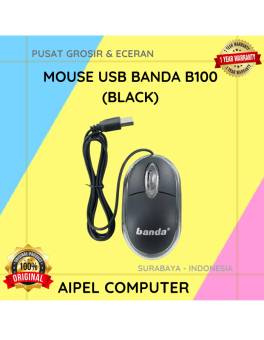
17%
A. DESKRIPSI (DESCRIPTION) Mouse USB BANDA B100 adalah perangkat yang dirancang untuk memberikan kenyamanan serta keakuratan dalam setiap klik dan… selengkapnya
Rp 10.000 Rp 12.000
20%
A. DESKRIPSI (DESCRIPTION) Kabel USB 2.0 M to Printer M WEBSONG 10 M (Transparant) merupakan inovasi unggulan dari WEBSONG yang… selengkapnya
Rp 55.000 Rp 69.000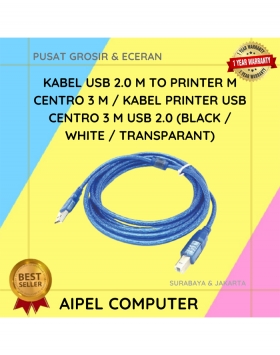
22%
A. DESKRIPSI (DESCRIPTION) Kabel Printer USB 2.0 CENTROO 3M adalah kabel berkualitas tinggi yang dirancang khusus untuk koneksi printer ke… selengkapnya
Rp 14.000 Rp 18.000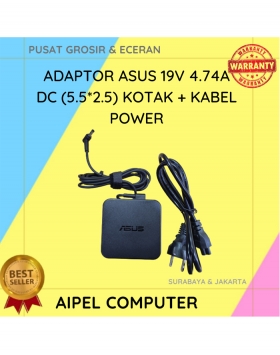
14%
A. DESKRIPSI (DESCRIPTION) Adaptor Laptop ASUS 19V 4.74A DC dengan desain kotak adalah solusi andal untuk menjaga performa perangkat Anda… selengkapnya
Rp 95.000 Rp 110.000



Saat ini belum tersedia komentar.