- Orderan dibawah 500.00 via Goshop / Offline / Marketplace
Laptop Charger Sparks When Plugged Into Outlet? Causes and Fixes
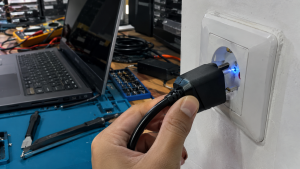
Have you ever startled yourself while plugging your laptop charger into a wall socket when a small blue spark (electrical arcing) suddenly flashes accompanied by a sharp popping noise?
For many users, seeing electrical sparks upon plugging in a charger is alarming, causing fears of house fires or charger explosions. However, much like troubleshooting electrical heating in laptop charger brick getting very hot causes fixes, a brief electrical spark upon initial contact does not always indicate a fatal defect. It is frequently caused by a rapid initial power draw known as Inrush Current.
Featured Snippet (Quick Answer):
Primary causes of a laptop charger sparking when plugged into an outlet include sudden initial current draw (Inrush Current) filling the adapter’s bulk capacitors, loose internal contact springs inside the wall outlet, or oxidized carbon buildup on the plug prongs.
Checklist: Assessing Electrical Spark Severity
Check the boxes below if these charger sparking symptoms match your current experience:
-
[ ] Blue spark appears for just a fraction of a second right as the plug enters the socket.
-
[ ] Continuous buzzing or crackling sounds (arcing) occur even after the plug is fully seated.
-
[ ] Wall outlet housing or charger prongs show visible black scorch marks or feel extremely hot.
-
[ ] A strong smell of burning plastic or ozone lingers around the wall socket.
-
[ ] House circuit breaker (MCB) trips immediately whenever the charger is plugged in.
Practical Recommendation: If the spark is merely a brief blue flash lasting a split second and stops once seated, it is a normal result of Inrush Current. However, if the outlet hums continuously or trips your circuit breaker, unplug it immediately and replace the worn wall socket.
Comparison Table: Electrical Spark Symptoms and Recommended Actions
| Spark Symptom | Underlying Cause | Device Damage Risk | Recommended Action |
|---|---|---|---|
| Brief Blue Flash (Split Second) | Initial capacitor charging (Inrush Current) | Very Low (Normal) | Insert plug firmly and decisively |
| Continuous Crackling Noise | Worn / loose spring contacts inside socket | Fire hazard & socket melting | Replace wall outlet receptacle |
| Blackened / Scorched Plug Prongs | Carbon oxidation from repeated arcing | High electrical resistance | Lightly sand or clean plug prongs |
| Trips House Circuit Breaker | Shorted internal adapter capacitor/diode | Total adapter failure | Replace with genuine replacement charger |
4 Ways to Fix a Laptop Charger That Sparks When Plugged In
-
Plug the Adapter In Firmly and Decisively. When plugging in your charger, push the prongs straight, fast, and firmly into the outlet. Inserting the plug slowly or hesitating creates an air gap between prongs and outlet clips, resulting in larger electrical sparks (arcing).
-
Use High-Quality Grounded Wall Outlets. Ensure wall sockets have firm internal brass clips that grip the plug prongs tightly. Avoid cheap, loose T-adapters or ungrounded extension cords that create intermittent connections.
-
Clean Scorched Oxidation Off Plug Prongs. If the metal prongs on your charger plug have black scorch marks from prior sparking, rub them with fine-grit sandpaper or a dry cloth until shiny to ensure smooth current flow.
-
Connect Adapter to Wall Outlet First. Make it a habit to plug the charger into the wall outlet before connecting the DC barrel jack into your laptop. This shields your laptop’s motherboard from direct initial voltage surges.
When to Replace the Charger or Wall Outlet
Jika stop kontak dinding rumahmu sudah longgar, mengeluarkan asap, atau bodi charger melepuh akibat panas letupan listrik, segera lakukan penggantian komponen.
If your wall outlet is loose, smoking, or your charger housing shows heat warping from repeated sparking, replace the affected components immediately. This requires installing a high-grade wall socket or replacing the adapter with a genuine original unit by a qualified technician to eliminate short circuit hazards.
FAQ (Frequently Asked Questions)
Is a spark when plugging in a laptop charger dangerous?
A brief blue flash is a normal physical phenomenon in high-wattage power bricks. However, large yellow/red sparks accompanied by smoke indicate severe short circuits and are dangerous.
Why do laptop chargers require high initial power (Inrush Current)?
Inside the adapter lies a large bulk capacitor that is completely empty when unplugged. Upon plugging in, the capacitor instantly draws a large surge of current to charge its internal reserve.
Conclusion
A brief spark when plugging in a laptop charger is usually driven by Inrush Current as internal capacitors charge up. Using tight, high-quality wall outlets and plugging in firmly will minimize electrical sparks and protect your charging equipment.
Shop Genuine Chargers, Sockets & Repairs at Aipel Computer
Looking for genuine replacement laptop chargers, high-grade power cords, or professional laptop power circuit repairs? Find trusted hardware replacement parts and expert repair services directly at Aipel Computer.
For replacement chargers or electrical troubleshooting inquiries, visit the official Aipel Computer website today.
Tags: fix sparking wall outlet laptop charger, laptop charger sparks when plugged into outlet, why does my laptop charger spark

Laptop Charger Sparks When Plugged Into Outlet? Causes and Fixes
Pernahkah kamu mencoba mengisi daya laptop menggunakan kabel USB Type-C dan kepala charger HP, tetapi ikon baterai di layar tidak... selengkapnya
Turning on your wireless Bluetooth mouse only to find the screen cursor completely frozen is a common headache. Checking your... selengkapnya
Prolink PRO700SFC adalah sebuah perangkat networking yang berfungsi sebagai switch dengan 7 port Gigabit Ethernet dan 1 port fiber optic.... selengkapnya
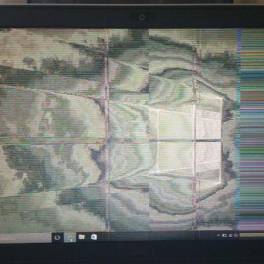
Masalah monitor berkedip pada Windows 10 adalah salah satu masalah yang sering dialami oleh pengguna. Monitor yang berkedip-kedip tidak hanya... selengkapnya

Kinerja komputer akan lebih handal apabila didukung dengan aksesoris yang tepat. Dengan alasan tersebut, saat ini sudah banyak toko aksesoris... selengkapnya
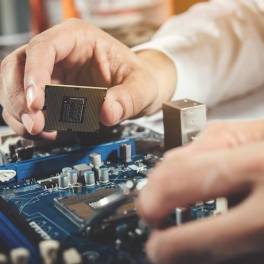
Komponen hardware komputer adalah aspek yang sangat penting karena berpengaruh langsung pada kinerja optimal perangkat tersebut. Kualitas dan umur panjang... selengkapnya
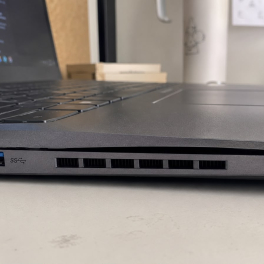
It is completely normal for a portable device to lose its efficiency over time. However, many users fail to recognize... selengkapnya
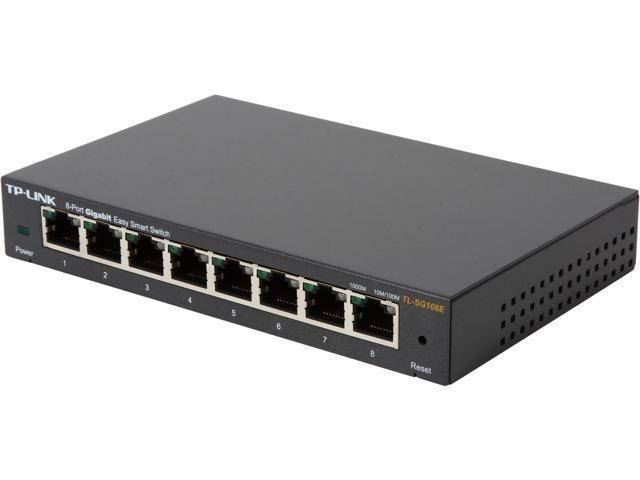
Switch hub TP-Link memudahkan anda dalam memperluas jaringan kabel. Supaya tujuan tersebut terpenuhi dengan baik, pastikan anda memilih switch hub... selengkapnya

Komputer merupakan salah satu perangkat elektronik yang dibutuhkan oleh banyak orang. Dengan hadirnya komputer, aktivitas menjadi semakin lancar, baik itu... selengkapnya
Kita tentu mengetahui apa itu kabel USB micro. Pasalnya peralatan elektronik yang satu ini terbilang cukup penting dan wajib dimiliki... selengkapnya
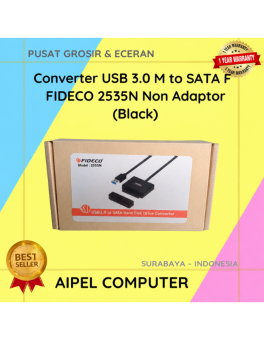
12%
A. DESKRIPSI (DESCRIPTION) Converter USB 3.0 to SATA F FIDECO Non Adaptor adalah solusi praktis dan efisien untuk membaca dan… selengkapnya
Rp 110.500 Rp 125.000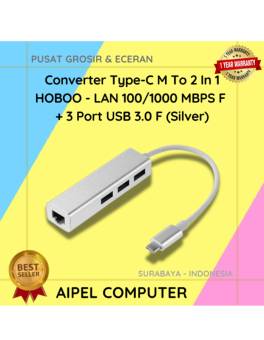
15%
AIPEL COMPUTER – Pusat Grosir dan Eceran – Belanja Hebat dan Hemat – Harga Murah Garansi Prima * GARANSI –… selengkapnya
Rp 81.000 Rp 95.000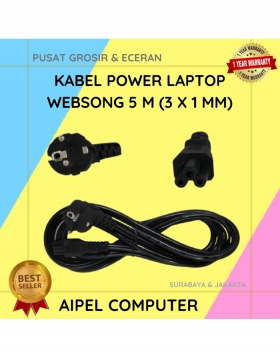
17%
A. DESKRIPSI (DESCRIPTION) Kabel Power Laptop WEBSONG 5 M (Black) merupakan salah satu inovasi unggulan dari WEBSONG yang dirancang khusus… selengkapnya
Rp 72.500 Rp 87.000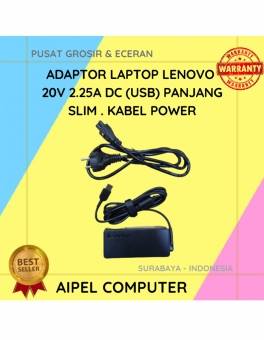
19%
A. DESKRIPSI (DESCRIPTION) Adaptor Laptop 20V 2.25A DC (USB) Kabel Slim Panjang adalah adaptor praktis untuk pengisian daya perangkat Anda… selengkapnya
Rp 65.000 Rp 80.000
18%
A. DESKRIPSI (DESCRIPTION) Adaptor Laptop ACER 19V 4.74A DC (5.5 X 1.7) adalah solusi ideal untuk mengisi daya laptop ACER… selengkapnya
Rp 70.000 Rp 85.000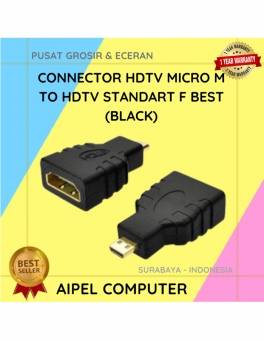
21%
A. DESKRIPSI (DESCRIPTION) Connector HDTV Micro M to HDMI F BEST adalah adaptor koneksi audio-video beresolusi tinggi yang dirancang khusus… selengkapnya
Rp 5.500 Rp 7.000
16%
A. DESKRIPSI (DESCRIPTION) Headset VOXTUN V663 adalah perangkat audio yang dibuat untuk kamu yang serius soal kenyamanan dan performa 🔥…. selengkapnya
Rp 80.000 Rp 95.000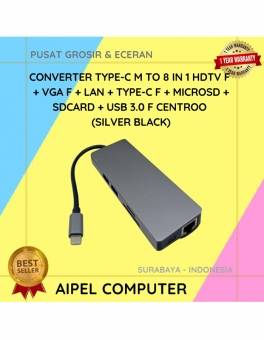
10%
A. DESKRIPSI (DESCRIPTION) Converter Type C To 8 IN 1 HOBOO – HDTV + LAN + Micro SD + SD… selengkapnya
Rp 289.432 Rp 320.000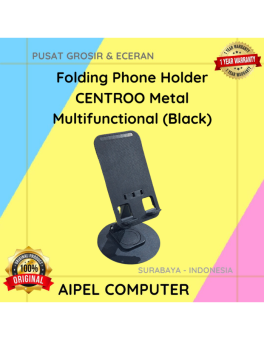
57%
A. DESKRIPSI (DESCRIPTION) Folding Phone Holder Metal Multifunctional (Black) adalah dudukan ponsel berbahan metal dengan desain multifungsi dan kokoh. 📱… selengkapnya
Rp 10.000 Rp 23.000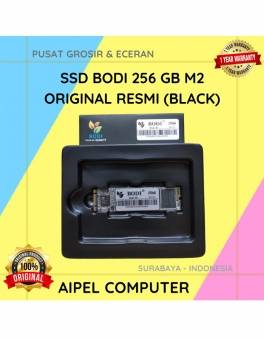
2%
A. DESKRIPSI (DESCRIPTION) Temukan performa maksimal di dalam penyimpanan yang epik dengan SSD BODI 256 GB M2! 🚀 Dikemas dalam… selengkapnya
Rp 610.000 Rp 625.000



Saat ini belum tersedia komentar.