- Orderan dibawah 500.00 via Goshop / Offline / Marketplace
Laptop Keyboard Key Popped Off or Broken? Causes and Fixes
Have you ever experienced the startling moment while typing or cleaning dust when a keycap on your laptop keyboard suddenly pops off, snaps its tiny plastic retainer clips, or detaches completely?
Dealing with a popped-off laptop key is frustrating because it disrupts smooth typing. However, much like troubleshooting physical key resistance in laptop spacebar or enter key sticking causes fixes, a detached key doesn’t always require replacing the entire keyboard module. The damage is frequently confined to the plastic scissor hinge clip underneath or broken tiny hooks on the keycap itself.
Featured Snippet (Quick Answer):
Primary causes of a laptop keyboard key popping off include snapped plastic retainer tabs under the keycap, a dislodged scissor hinge mechanism, or impact during cleaning. Keys can be reinstalled if the hinge clips remain unbroken.
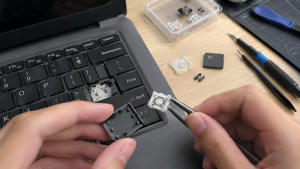
Checklist: Evaluating Laptop Key Damage Status
Check the boxes below if these keyboard symptoms match your current situation:
-
[ ] The keycapdetaches cleanly along with a tiny white plastic clip underneath.
-
[ ] One of the tiny plastic retaining feet on the scissor hinge mechanism is snapped or chipped.
-
[ ] The key can still register inputs when pressed directly on the rubber dome, but feels exposed and capless.
-
[ ] The Spacebar or Enter key detaches on one side because its metal stabilizer retainer bar popped out.
-
[ ] Keycap lettering has worn off or its mounting slots on the keyboard plate are fractured.
Practical Recommendation: Never throw away a detached keycap or the tiny plastic hinge clips! Store these components in a small container. As long as the plastic clip underneath isn’t completely crushed, the key can be reassembled precisely.
Comparison Table: Key Damage Types and Recommended Actions
| Key Damage Condition | Underlying Cause | Device Damage Risk | Recommended Action |
|---|---|---|---|
| Keycap Detached with Intact Clip | Minor impact / snagged fingernail | Disrupted typing workflow | Reattach clip & press keycap down until “click” |
| Chipped / Broken Plastic Hinge Foot | Excessive force applied to one side | Loose key wobbles & pops off easily | Replace individual scissor hinge clip |
| Loose Spacebar / Enter Bar | Stabilizer wire slipped out of mounting slot | Key depresses unevenly on one side | Re-hook metal wire into keycap retaining slots |
| Broken Base Plate / Mounting Tab | Severe physical impact on keyboard chassis | Key cannot latch securely anymore | Replace entire keyboard module |
4 Steps to Reattach a Popped-Off Laptop Key
-
Understand the Three-Part Laptop Key Structure. Modern laptop keys typically consist of three components: the rubber dome (center spring), the scissor hinge (interlocking plastic clip), and the keycap (lettered top cover).
-
Re-seat the Scissor Hinge Clip onto the Keyboard Plate. If the plastic clip detached entirely, ensure correct orientation (slide the smaller hook tabs into the metal slots on the keyboard chassis first, then press down gently until flat and flexible).
-
Hook Up Metal Stabilizer Bars (For Larger Keys). For wide keys like the Spacebar, Enter, Shift, or Backspace, ensure the small metal stabilizer bar slides into its designated mounting loops beneath the keycap before snapping it onto the plastic hinge.
-
Press Keycap Gently Until You Hear a “Click”. Position the keycap squarely over the assembled plastic hinge, then press down gently using your fingertip in the center until you hear a distinct “click” signaling the plastic tabs have locked securely.
When to Replace the Entire Keyboard Module
If the plastic retaining feet on the scissor hinge are completely snapped, or if the metal mounting tracks on the keyboard base plate are warped from heavy impact so that keycaps refuse to latch flush, targeted component repairs will fail.
This condition requires installing a new original laptop keyboard module by a qualified technician to restore normal, comfortable typing performance.
FAQ (Frequently Asked Questions)
Can I buy replacement laptop key clips individually?
Yes. Many computer parts suppliers and online vendors sell individual scissor hinge clips categorized by specific laptop brands and models (since clip designs vary across manufacturers).
Is it safe to use superglue to fix a broken laptop key?
STRONGLY DISCOURAGED! Superglue can seep into the rubber dome and ruin the underlying circuit board traces, permanently disabling that specific key.
Conclusion
A popped-off or broken laptop key can be successfully resolved by understanding the underlying scissor hinge mechanism and reattaching components carefully. If hinge clips remain intact, keys can be restored to normal operation without replacing the entire keyboard module.
Shop OEM Laptop Keyboards, Parts & Repairs at Aipel Computer
Looking for individual key clips, genuine original replacement laptop keyboards with warranty, or professional repair services? Find trusted replacement parts and expert repair services directly at Aipel Computer.
Tags: how to snap laptop key back on, laptop keyboard key popped off broken fix, laptop repair surabaya, replace missing laptop keycap

Laptop Keyboard Key Popped Off or Broken? Causes and Fixes

Perkembangan zaman yang semakin maju, semua kegiatan yang dilakukan akan dipermudah dengan inovasi yang diciptakan seperti adanya komputer. Hadirnya komputer... selengkapnya

Attending an important work meeting, presentation, or online lecture via Zoom or Google Meet, only to find out that no... selengkapnya

Sedang menghadiri rapat kerja penting, presentasi, atau kuliah online via Zoom dan Google Meet, tapi saat giliranmu berbicara, orang lain... selengkapnya
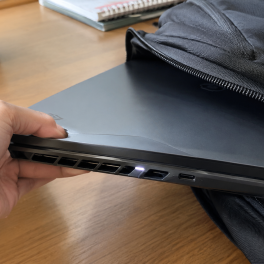
Have you ever closed your laptop lid, put it inside your backpack, and pulled it out a few hours later... selengkapnya
Ketika ingin memberikan keamanan pada ruangan atau bangunan beberapa orang akan mengandalkan produk yang bisa membantu pengintaian. Salah satunya adalah... selengkapnya
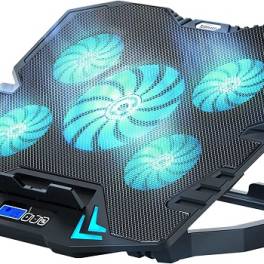
Belum banyak orang yang mengetahui betapa pentingnya manfaat cooler pad untuk perangkat keras yang mereka gunakan selama sehari-hari. Mereka menganggap... selengkapnya
Jenis baterai AA seringkali dijumpai di lingkungan sekitar. Pada era modern, barang elektronik sudah menjadi kebutuhan pokok hingga seluruh dunia.... selengkapnya
Adaptor merupakan salah satu alat kelistrikan yang sudah familiar di telinga banyak orang. Namun, masih banyak juga yang belum paham... selengkapnya
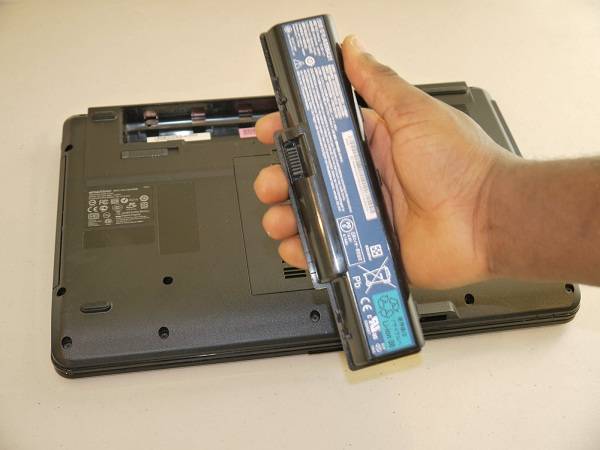
Baterai menjadi sumber energi listrik yang perannya tak bisa dilepaskan dari laptop. Tanpa adanya baterai, maka laptop tak bisa berfungsi... selengkapnya
Facing an internet connection that suddenly drops while you are enjoying a streaming session or chasing a tight task deadline... selengkapnya
28%
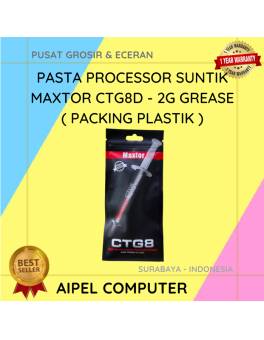
A. DESKRIPSI (DESCRIPTION) Pasta Processor Suntik MAXTOR CTG8D 2G Grease Packing Plastik adalah pelumas termal berkualitas yang dirancang untuk meningkatkan… selengkapnya
Rp 29.000 Rp 40.000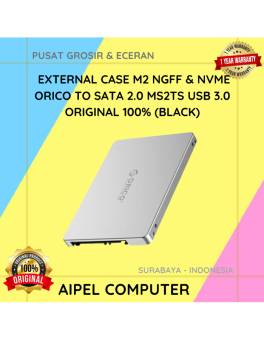
13%
AIPEL COMPUTER – Pusat Grosir dan Eceran – Belanja Hebat dan Hemat – Harga Murah Garansi Prima * GARANSI –… selengkapnya
Rp 100.000 Rp 115.000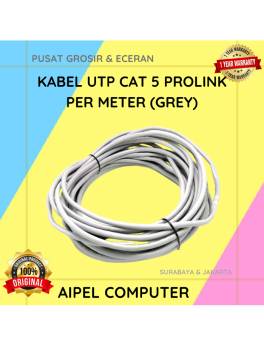
33%
A. DESKRIPSI (DESCRIPTION) Kabel UTP CAT 5 PROLINK Per Meter (Grey) adalah solusi jaringan berkualitas tinggi yang dirancang untuk memberikan… selengkapnya
Rp 4.000 Rp 6.000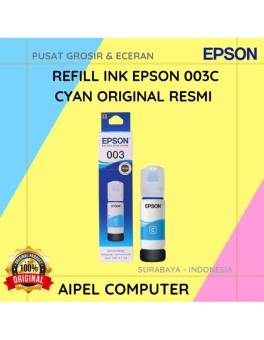
15%
A. DESKRIPSI (DESCRIPTION) Refill Ink EPSON 003 Cyan Original 100 % adalah tinta isi ulang berkualitas tinggi yang dirancang untuk… selengkapnya
Rp 85.000 Rp 100.000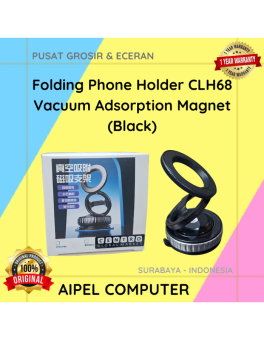
29%
A. DESKRIPSI (DESCRIPTION) Folding Phone Holder CLH68 Vacuum Adsorption Magnet (Black) merupakan holder HP lipat dengan sistem vacuum adsorption dan… selengkapnya
Rp 17.000 Rp 24.000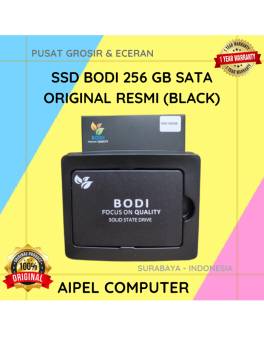
15%
A. DESKRIPSI (DESCRIPTION) Dengan kemajuan teknologi yang terus berkembang, memiliki penyimpanan yang cepat dan andal menjadi sangat penting. Memperkenalkan BODI256S,… selengkapnya
Rp 635.000 Rp 750.000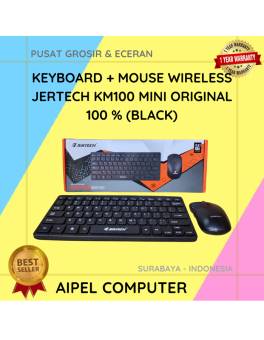
12%
A. DESKRIPSI (DESCRIPTION) KM100 Wireless Mini adalah kombinasi keyboard dan mouse dari JERTECH yang dirancang untuk memberikan kemudahan dan efisiensi… selengkapnya
Rp 117.249 Rp 133.000
57%
AIPEL COMPUTER – Pusat Grosir dan Eceran – Belanja Hebat dan Hemat – Harga Murah Garansi Prima * GARANSI –… selengkapnya
Rp 1.065.000 Rp 2.500.000
14%
A. DESKRIPSI (DESCRIPTION) Adaptor Laptop ACER 19V 2.37A DC (3.0 X 1.1) adalah solusi cerdas untuk pengisian daya laptop Anda…. selengkapnya
Rp 95.000 Rp 110.000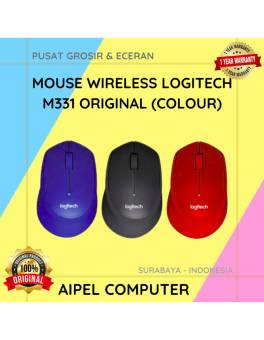
20%
A. DESKRIPSI (DESCRIPTION) Mouse Wireless LOGITECH M331 adalah perangkat nirkabel dengan teknologi “Silent Plus” yang mengutamakan kenyamanan dan keheningan saat… selengkapnya
Rp 225.000 Rp 280.000



Saat ini belum tersedia komentar.